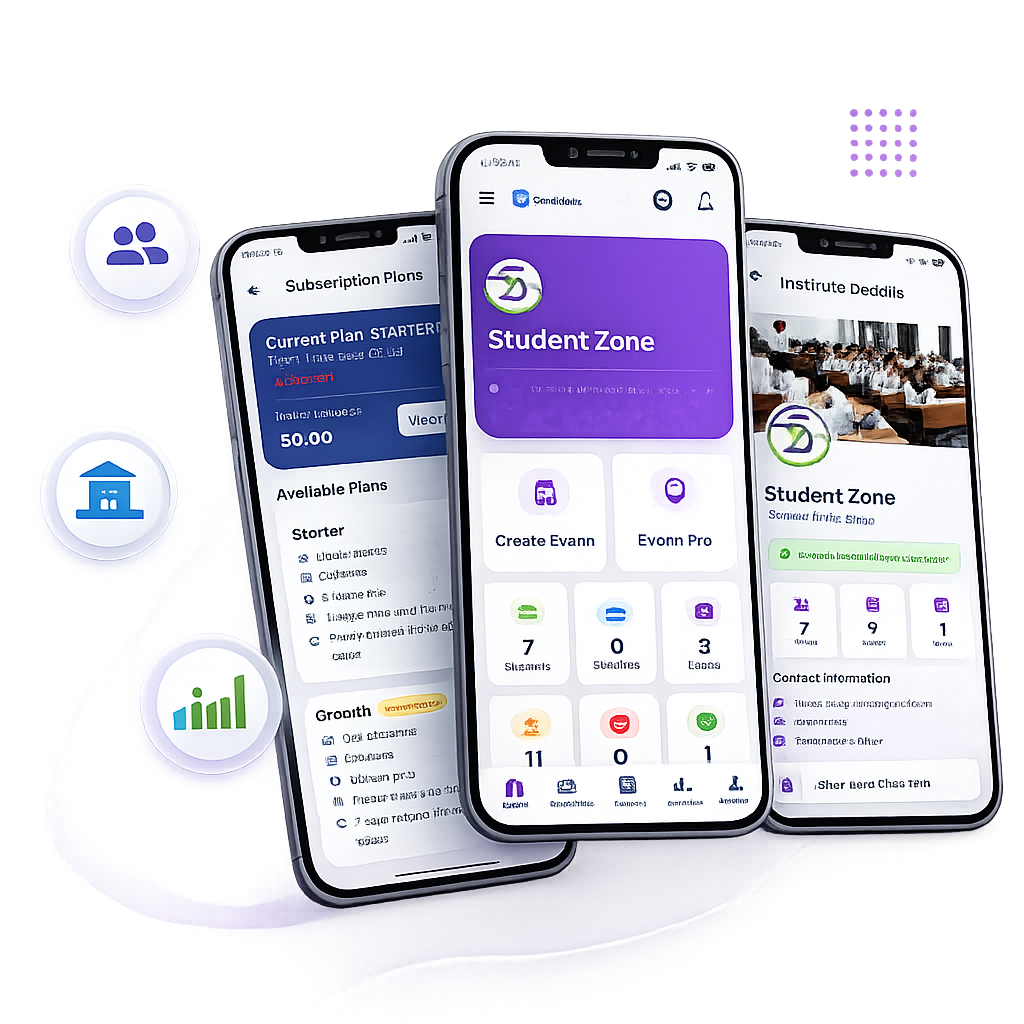
Coaching Institute: Setup & Operation Guide
Complete instructions for coaching centers and schools to register, configure batches, invite faculty, and conduct examinations.
Register Free (7-Day Trial)
Instant ActivationClick Register Free and select For Institutes. Enter your Coaching Institute Name, Email, Phone number, and Password. Upon email OTP verification, your 7-Day Unrestricted Free Trial activates immediately. No payment details required.
Create Classes & Batches
Classroom OrganizationNavigate to Classes & Batches in your dashboard and click "Add New Class". For example: "Target JEE 2027", "NEET Dropper Batch", or "Class 10 Board Prep". This enables batch-specific examinations, study notes, and video lectures.
Add Faculty & Subject Teachers
Faculty DelegationIn the Teachers section, invite subject faculty or generate their login credentials. Teachers can author question papers for their respective subjects, upload PDF question papers, set OMR answer keys, and manage study materials.
Enroll & Manage Students
100% Free For StudentsStudents submit a join request by entering your Institute Code in their mobile app or web browser. As an administrator, you approve them with 1 click in Enroll Requests and assign them to their appropriate batch.
Teacher & Faculty: Exam Authoring Guide
Step-by-step instructions on creating MCQ tests, uploading PDF question papers with digital OMR sheets, and using the Exam Pro AI Assistant.
Online MCQ Exams
Navigate to Exams > Create MCQ Exam. Specify the exam title, time duration (minutes), marks per correct answer, and negative marking penalty. Enter questions manually or format scientific formulas using standard KaTeX LaTeX syntax.
Instant Auto-EvaluationPDF Exam with Digital OMR
If you already have typed test papers in PDF format, select Create PDF + OMR Exam. Upload your question paper PDF, set the number of questions (e.g., 30, 50, 100), and enter the correct answer key. The platform generates an interactive digital OMR grid for students.
Zero Manual CheckingExam Pro AI Assistant
Need to prepare a test quickly? Open the Exam Pro AI Assistant. Enter your target subject (Physics, Chemistry, Math, Biology, Reasoning) and chapter topic. The AI assistant prepares balanced questions, 4 options, the answer key, and step-by-step solutions in under 60 seconds.
AI Test Creation AssistantStudent & Learner: Examination Guide
How to create a free account, join your coaching institute, attempt CBT and PDF tests, and download rank cards.
Create Free Student Account
Visit the Student Register page and sign up with your Mobile Number, Name, and Email. Student access on GyanRank is 100% free forever with no hidden paywalls.
Join Using Institute Code
In your student dashboard, click Join Institute and enter your coaching center's code. Once your teacher approves your request, all assigned batch exams, test series, and notes become available.
Attempt CBT Computer-Based Tests
Experience official NTA/JEE/NEET testing conditions. Features include a live countdown timer, color-coded question palette (Answered, Unanswered, Marked for Review), and anti-cheat tab-switch protection.
Attempt PDF + Digital OMR Exams
The question paper PDF displays on the left, alongside an interactive digital OMR bubble sheet (A, B, C, D) on the right. Simply select the bubbles and submit to receive instant marks and All-India Rank (AIR).
All 3 Exam Formats: Deep-Dive Walkthrough
Explore the operational details of each exam format supported on GyanRank.
CBT Computer-Based Tests
Engineered for serious competitive exam preparation (JEE Main, NEET, CUET, SSC, Banking). Replicates official examination consoles with section navigation.
- Fullscreen lockdown & tab-switch monitoring
- Live timer with automated submission
- Palette: Answered, Unanswered, Review
- Multi-section switching (Physics, Chem, Math)
PDF Exams & Digital OMR
Eliminates the tedious work of retyping printed questions. Simply upload your PDF question paper and define the answer keys.
- Direct PDF paper uploads
- Interactive digital OMR bubble grid
- Printable OMR answer sheet support
- Automated grading with zero paper-checking fatigue
Online MCQ Exams
Ideal for chapter-wise practice quizzes and weekly test series with step-by-step solutions upon test completion.
- Single and multiple-choice questions
- Configurable negative marking
- KaTeX LaTeX formula rendering
- Instant All-India Rank (AIR) leaderboards
Exam Pro AI Assistant: Rapid Test Creation
The Exam Pro AI Assistant functions as an intelligent paper-setting co-pilot. Input your topic, select difficulty levels, and produce balanced questions with 4 options and detailed solutions in under 60 seconds.
Frequently Asked Questions (FAQs)
Direct answers to common questions asked by coaching institute owners, teachers, and students.
Ready to Conduct Your First Online Exam?
Join educators and thousands of students across India. Launch your institute's digital examination portal in less than 5 minutes.